AI Explorers (Class 3 to 5)
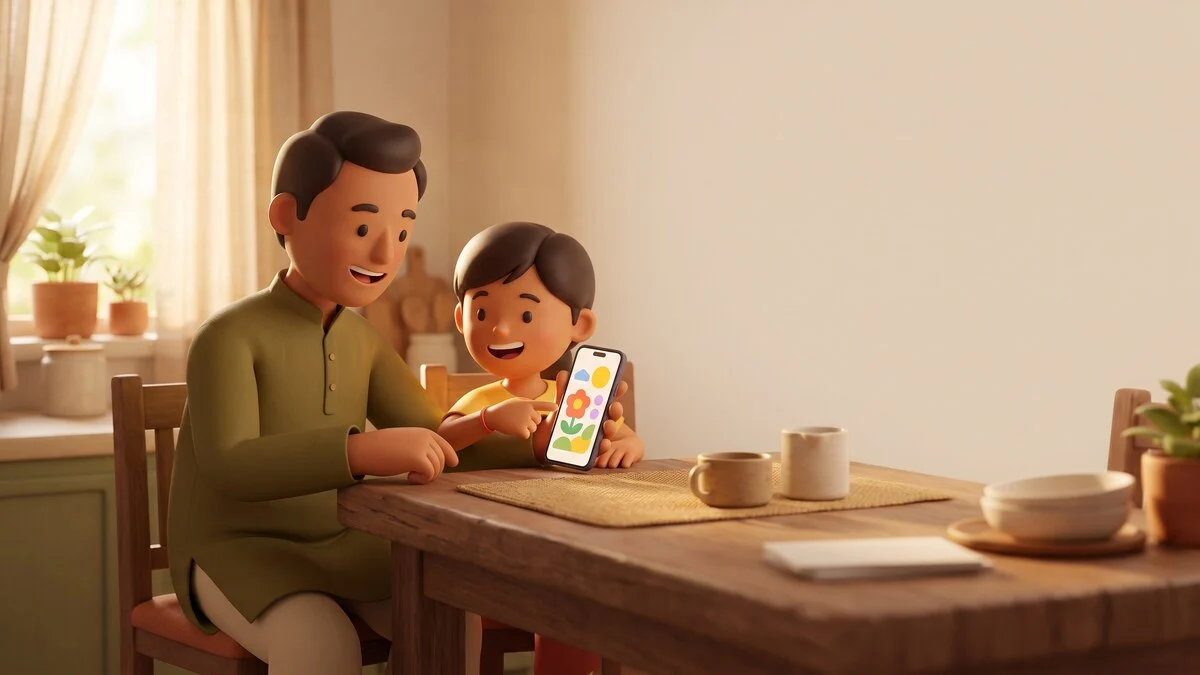
Children in Class 3 to 5 are curious about AI, and this workshop turns that curiosity into safe, joyful discovery. With a guide beside them, and parents welcome to sit in, kids ask AI questions, make it draw and tell stories, and play Catch the AI, a game where they hunt for the machine's mistakes. Every activity happens on supervised class devices, never on personal accounts. By the end of two days your child has made a real birthday card for someone they love and a mini picture book they wrote themselves, with AI as the helper, not the author. They also leave knowing three simple safety rules by heart.
Who is this for: Children in Class 3 to 5, with parents welcome to observe
Where this course sits
For complete beginners. No AI experience needed, and no coding, ever. If you can use WhatsApp, you are ready.
Prerequisites: None. Your child just needs to read simple English or Hindi. All devices are provided in class.
Exactly what happens in these 2 days
No vague promises. Open each day and see what you will learn and the real thing you will make.
Day1
Hello AI: Ask, Draw, Make a Card
First safe conversations with AI, and a real card made before going home
- First guided chat with AI within the opening 30 minutes
- Clear questions vs vague questions: getting AI to draw what you imagine
- Three golden safety rules: no full names, no school details, no personal photos
- AI drawing round: describe your dream pet and watch it appear
- Card making in Canva: picture, colours, and your own message
You make today: A printed birthday card for a family member, with an AI picture and the child's own words
Day2
Story Makers and Mistake Catchers
Catching AI's wrong answers as a game, then writing and illustrating a mini book
- Catch the AI: a points game where kids find the machine's wrong answers
- Why AI makes mistakes, explained with funny examples kids remember
- How to check an answer: ask a grown-up, open a book, or search together
- Story building: the child's idea, AI's pictures, page by page
- Show and tell: each child presents their book to the class
You make today: A four-page mini picture book, written by the child with AI-made pictures, printed to take home
Walk out able to do this
- Talk to ChatGPT or Gemini safely with an adult nearby, using kind and clear questions
- Ask AI to draw pictures and tell stories, then improve the result by asking again
- Spot at least three AI mistakes in the Catch the AI game and explain why they are wrong
- Name three things a child should never share with AI, like full name, school, or address
- Make a birthday card in Canva with an AI picture and their own message
- Create a four-page mini picture book from their own story idea
Made for people like
Tools you will use
To bring: None. Your child just needs to read simple English or Hindi. All devices are provided in class.
You leave with real things
A printed birthday card, a mini picture book, a family safety rules sheet for the fridge, and a short parent guide on supervising AI time at home.
Your study material pack
- The full course workbook, chapter by chapter
- Every prompt used in class, ready to copy
- Checklists and templates from the exercises
You get a batch access code during the workshop. Enter it any time on the study material page to download everything.
Questions people actually ask
Is it safe for my child to talk to AI at this age?
In this workshop, yes, because every chat happens on supervised class devices with a guide watching, and we never create accounts for children. We also teach the safety rules openly, so your child learns what to do when you are not in the room.
Will this just add to my child's screen time?
The sessions are two hours with plenty of off-screen work: drawing ideas on paper, presenting to the class, and discussing answers aloud. We also send parents a simple guide on healthy AI time at home, because that habit matters more than these two days.
Does my child need to know English well?
No. Simple English or Hindi is enough, and we show children how to talk to AI in Hindi too. Guides help with reading wherever needed.
Can I sit in the class with my child?
Yes, parents are welcome to observe quietly. Many parents tell us they learned as much as their kids did. If you want a deeper session for yourself, we run a separate parents-only workshop.
Can't I just show my child ChatGPT at home for free?
You can, and our parent guide helps you do exactly that afterwards. What the workshop adds is a trained guide, supervised class devices with no child accounts, a room of other kids to create and present with, and two finished printed things your child made. The tools are free; the guided experience is what you are enrolling for.
Related courses in Young Learners
Get the start date for your batch
Tell us you are interested and we will call you with the next batch start date for your city or online, plus honest advice on whether this course fits you.