AI Champions (Class 6 to 8)
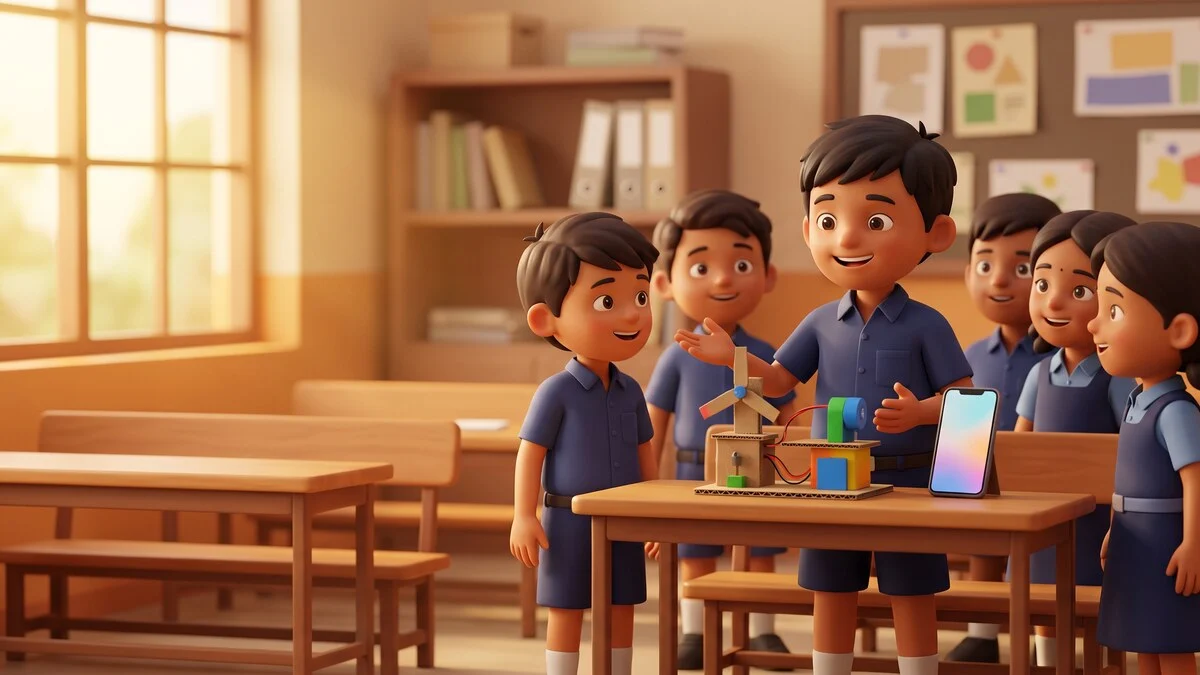
Class 6 to 8 is when school projects get serious, and when the temptation to let AI do the homework begins. This workshop teaches the opposite habit: AI as a practice partner, never a substitute. Over five afternoons your child learns to ask sharper questions, check AI answers against real sources, plan a science model, build a quiz for classmates, and present with slides made in Gamma or Canva. Everything is supervised, and parents get a daily note on what was covered. Your child leaves with a small portfolio of finished project work and a clear personal rule for when AI helps and when it stays closed.
Who is this for: Students in Class 6 to 8 who want to do school work better, and honestly, with AI
Where this course sits
For complete beginners. No AI experience needed, and no coding, ever. If you can use WhatsApp, you are ready.
Prerequisites: None. Basic reading and typing is enough. Devices are provided, and no coding is involved anywhere.
Exactly what happens in these 5 days
No vague promises. Open each day and see what you will learn and the real thing you will make.
Day1
Better Questions, Better Answers
Getting real help from AI by asking like a champion, from the first half hour
- First guided chat with ChatGPT within the opening 30 minutes
- Vague vs specific: rewriting a weak question until the answer improves
- Follow-up questions: how to dig deeper instead of accepting the first reply
- Privacy basics: what a student should never type or upload
- Picking each student's own school project topic for the week
You make today: A personal question recipe card, tested live on ChatGPT, plus a shortlist of project ideas
Day2
Fact Checking Like a Detective
Catching AI's confident wrong answers and learning to verify before believing
- Hallucination shown live: making AI confidently state something false
- The two-source rule: checking against a textbook and a search result
- Using Perplexity to trace where an answer comes from
- True or trick: a team game of spotting planted AI errors
- When to trust, when to check, when to ask a teacher
You make today: A completed fact-check sheet where the student catches and corrects three AI mistakes
Day3
Science Models and Project Plans
Turning a project idea into a real, buildable plan with AI as the planning partner
- Breaking a big project into steps with AI's help
- Materials lists and budgets using things available at home
- Drawing and labelling a model diagram
- Writing a fair-test question: what will you measure and compare
- Common science-fair mistakes and how to avoid them
You make today: A complete science model plan: materials list, steps, labelled diagram, and a fair-test question
Day4
Quiz Master Day
Building and running a real quiz, and learning why making questions teaches more than answering them
- Turning a chapter into quiz questions with AI, then improving them by hand
- Writing tricky but fair options for multiple choice
- Checking every answer key against the textbook
- Running the quiz for classmates and keeping score
- Using AI as a practice partner for revision, not as an answer machine
You make today: A ten-question quiz with a verified answer key, played by the whole class
Day5
Present Like a Champion
Slides, speaking practice, and an honest-use pledge to carry into the school year
- Building five clean slides in Gamma or Canva from the week's work
- The two-minute talk: opening line, key points, closing line
- Practice rounds with friendly feedback from the group
- The honest-use conversation: where AI helps and where it must stop
- Assembling the portfolio: everything made this week in one folder
You make today: A five-slide presentation delivered to the class, plus the assembled project portfolio
Walk out able to do this
- Write clear, specific questions that get useful answers from ChatGPT and Gemini
- Check an AI answer against two real sources before trusting it
- Plan a science model step by step, with materials, method, and a fair-test question
- Build a ten-question quiz on a school topic and run it for the class
- Make a presentation in Gamma or Canva and speak to it for two minutes
- Explain in their own words when using AI for homework is honest and when it is cheating
- Walk into the new term with a science model plan, a class-tested quiz and a presentation already delivered once, so the next school project starts half done
Made for people like
Tools you will use
To bring: None. Basic reading and typing is enough. Devices are provided, and no coding is involved anywhere.
You leave with real things
A project portfolio folder with the science model plan, quiz, fact-check sheet, and printed slides, plus a workbook and an honest-use checklist the child writes and signs.
Your study material pack
- The full course workbook, chapter by chapter
- Every prompt used in class, ready to copy
- Checklists and templates from the exercises
You get a batch access code during the workshop. Enter it any time on the study material page to download everything.
Questions people actually ask
Will this teach my child to get AI to do their homework?
The opposite. We spend real class time on why AI-written homework hurts them in exams, and we practise the honest uses instead: planning, quizzing, checking, and revising. Your child writes their own honest-use rule on the last day.
My child already uses ChatGPT. Will this still add anything?
Usually yes. Most kids use AI to get quick answers, not to question, verify, plan, or present. Those are the skills this week builds, and they are the ones teachers actually reward.
Is two hours a day too much screen time?
A good part of each session is off screen: planning on paper, running quizzes aloud, and speaking practice. Screens are a tool in the room, not the whole room.
What if my child is not confident in English?
That is fine. We show students how to work with AI in Hindi or Hinglish, including voice typing, and guides help with reading. Confidence with language often grows during the week.
My child is in Class 6. Do they need their own AI account?
No. Students under 13 work on supervised class devices and class accounts, exactly like our junior course. We never create personal AI accounts for children under 13, and we show parents the same setup to use at home.
Related courses in Young Learners
Get the start date for your batch
Tell us you are interested and we will call you with the next batch start date for your city or online, plus honest advice on whether this course fits you.